Overview
ShipRush is a shipping platform that helps eCommerce sellers manage order fulfillment across multiple carriers. It supports order management, carrier integrations, same-day delivery services, and more.
The ShipRush integration with Sellercloud streamlines your fulfillment operations by eliminating manual data entry. Instead of copying and pasting order details, ShipRush automatically retrieves order information from Sellercloud through an API-based connection. This connection is managed entirely within ShipRush and cannot be configured directly from Sellercloud.
Integrate with ShipRush
To connect your Sellercloud account with ShipRush:
- Log in to ShipRush.
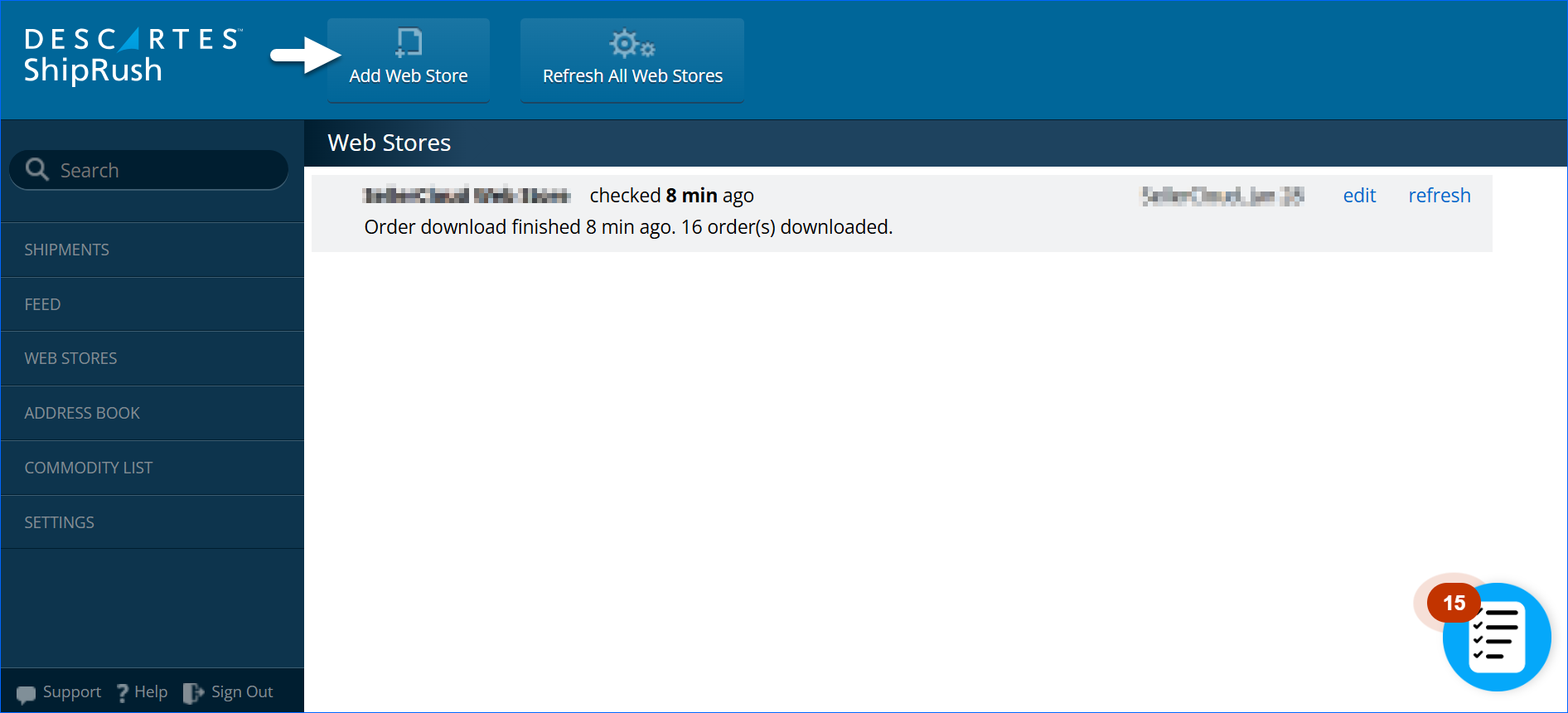
- Click Add Web Store.
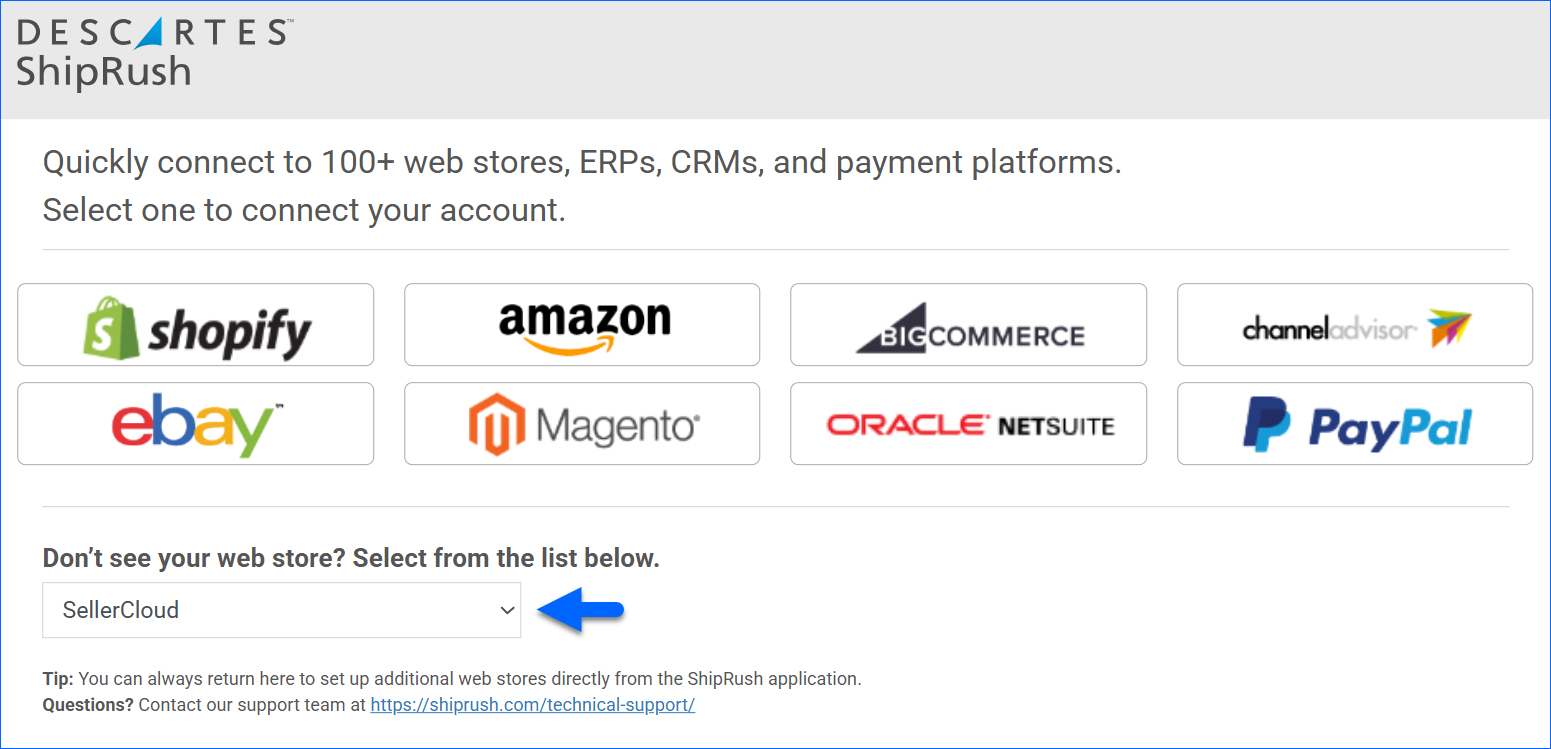
- Select Sellercloud from the dropdown list and complete the wizard.
- (Optional) Create a Saved View to specify which orders should be imported into ShipRush. By default, all orders that meet the following criteria are imported into ShipRush automatically:
- DropShip Status = None
- Order Status = InProcess
- Order = Charged (or set to Allow Shipping Even if Not Paid)
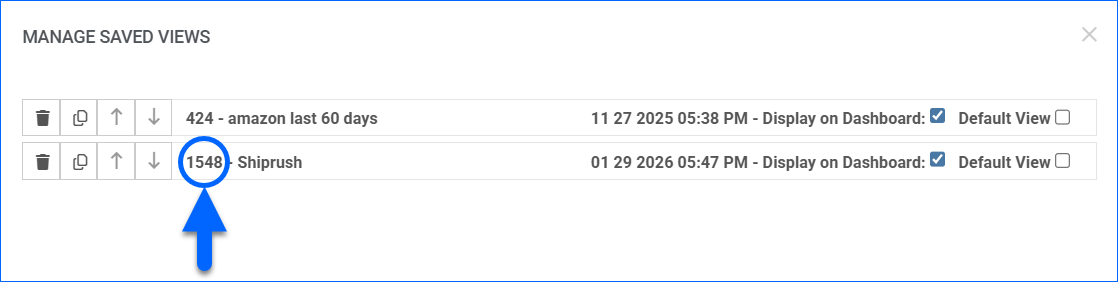
To apply additional filters, create a search that includes the above, plus any other criteria based on your preference. After the search is created, you can locate its ID by going to Orders > Manage Orders > Manage Saved Views.
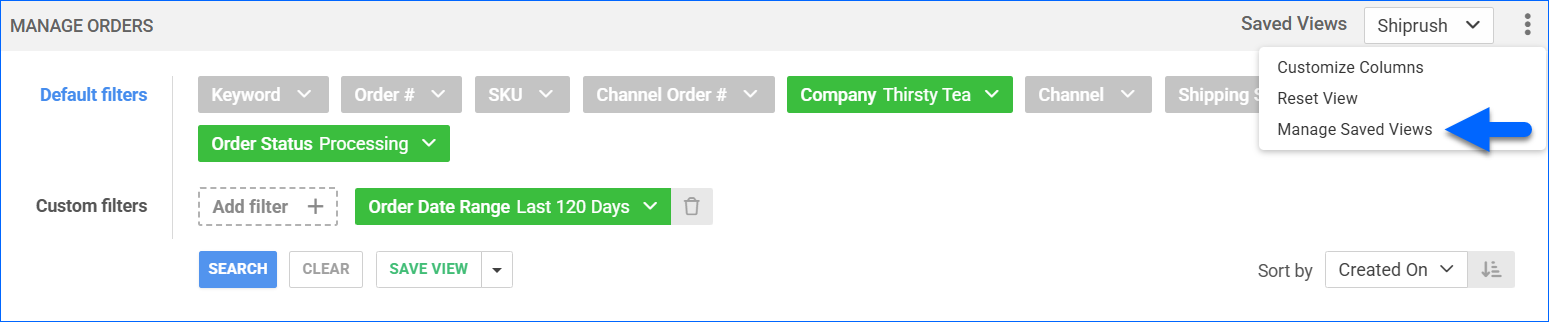
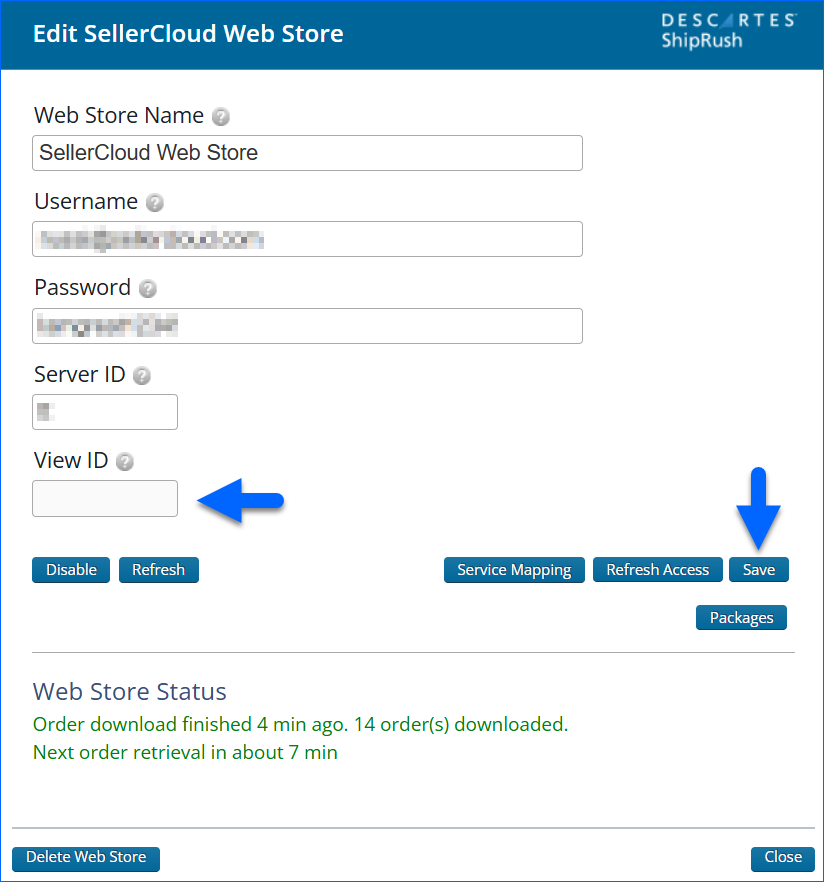
Next, to apply the search in ShipRush, go to Sellercloud Web Store > Edit > View ID and enter the ID of the Saved View you created in Sellercloud.