
Amazon Bullet Points
Sellercloud Documentation
Click here for information related to Sellercloud's original interface.
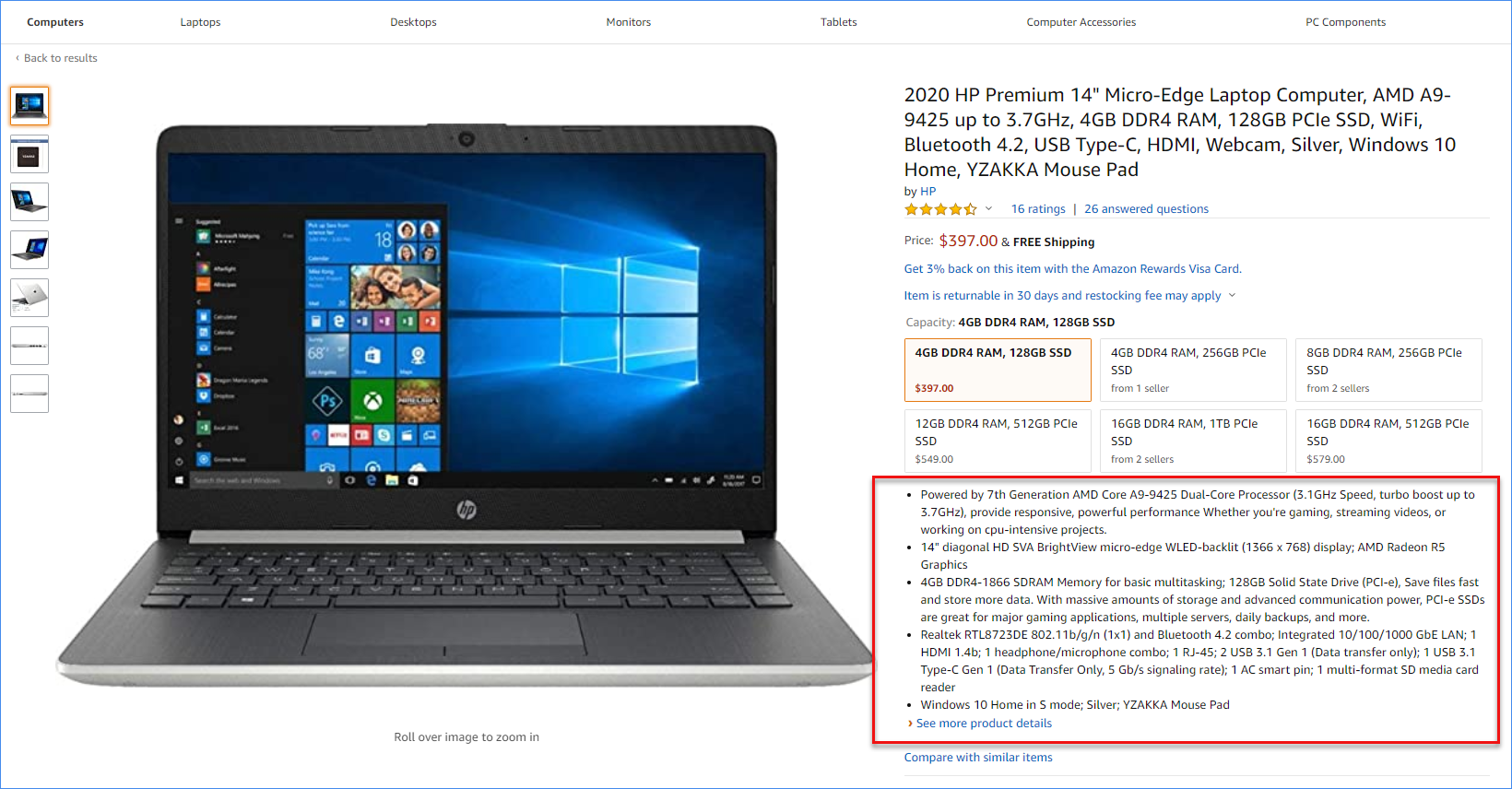
Understanding bullet points
In Sellercloud, you can add bullets for your Amazon listings for one or multiple listings. Amazon listings can have up to 5 bullet points. They are displayed on the top of the listing and can be used to provide short information for the product’s features.
Updating bullet points
- For a single product update, you can navigate to the product Amazon Properties and click More next to the Bullet Point 1 field.
- For bulk updates, the related columns are: ProductBullet, ProductBullet, ProductBullet, ProductBullet, ProductBullet.
Using bullet points on other channels
Amazon Bullet points can be included in the eBay's Description template, which can also be used for other channels like Walmart Marketplace and some websites. You can use the following placeholders:
- #?ProductBullet?#
- #?ProductBullet2?#
- #?ProductBullet3?#
- #?ProductBullet4?#
- #?ProductBullet5?#